
The agents, dashboards, and routing rules you launch in 2027 will read your Accounts and Leads as they sit in Salesforce today, duplicates included.
No Bad Data November, our 21-day data layer reset, features revenue leaders and operators who’ve done this work in their own orgs. Each one shares a tip, paired with the steps to try it in Salesforce and a link to follow them.
Work through one use case a day, or jump to the week that hurts the most. If this year’s territory planning involved a spreadsheet of accounts to reassign by hand, keep this list somewhere you’ll find it next fall.
Week 1: Foundations of Cleansing
If your Country field holds United States, USA, and U.S., start here. Every use case in the coming weeks reads from these fields, which is why cleansing is such an important first step.
Enrichment, hierarchy, matching, and routing rules all key in on revenue, standard formats, and records that exist once.
Refresh revenue and headcount before they go stale
You can reliably source historical revenue data using AI. For example, if you have no existing subscriptions to 3rd party data providers who specialize in financial data, and existing data enrichment providers don’t specialize in providing historical financial metrics.
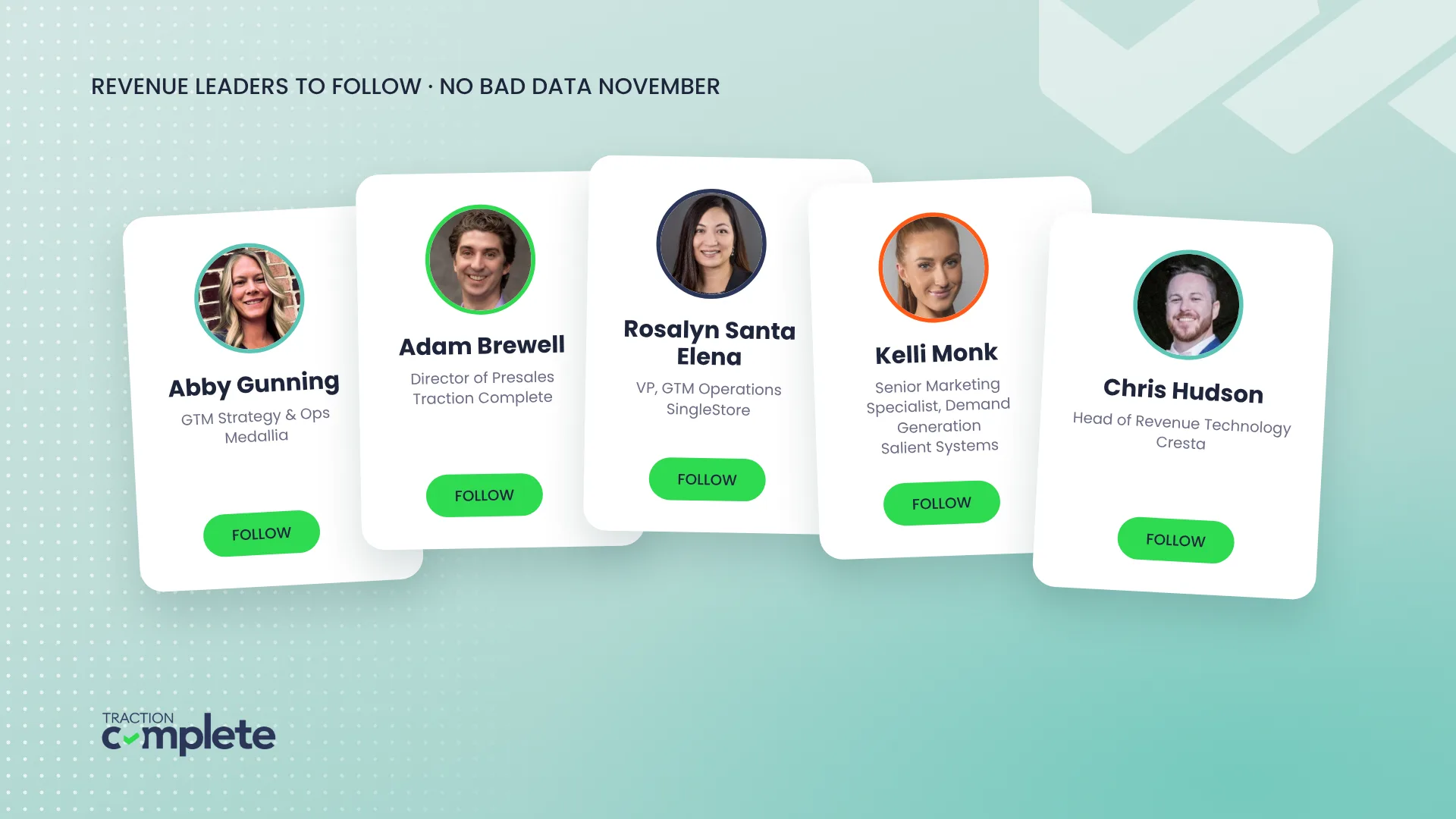
Abby Gunning, GTM Strategy & Ops, Medallia · Follow Abby on LinkedIn
Segment, territory, and routing rules read revenue and employee counts, and both change every fiscal year. Refresh the fields when they do:
- Find annual revenue from account name and domain
- Add revenue growth rate (compound annual growth rate, or CAGR) from the same inputs
- Set currency and format on every figure
- Use the most recent closed fiscal year, not trailing twelve months
- Update employee counts as companies grow or shrink
Standardize formatting before the mayhem
Is it United States or the United States of America or U.S.? I have to go back to the business and say look, this is breaking other things downstream, and it is really expensive. Standardize data where it’s inconsistent.
Angie Swenson, CRM Business Analyst & Architect, Huber Engineered Materials · Follow Angie on LinkedIn
Pick one format per field, then pick where the clean value lives.
- Set one format for Phone, Billing Address, Title, Industry, and Account Name
- Overwrite the original when the standard should fully replace messy inputs
- Write to a separate normalized field when reports should read the clean value
- Keep the original in its own field for audits and troubleshooting
Validate which records are worth the effort
Does the identity appear real or is it Frodo Baggins from Lord of the Rings? Do the values make sense together? Does anything suggest a placeholder, test record, or fabricated input?
Adam Brewell, Director of Presales, Traction Complete · Follow Adam on LinkedIn
Some records aren’t worth a rep’s time. Check whether the data holds up, then rank what’s worth chasing.
- Check that name, company, email, and domain agree with each other
- Validate phone, email, and title before anything is written
- Flag placeholders, test records, and fabricated inputs
- Send low-confidence records to a person for review
Proactive and reactive cleansing
You have 99 dupes. Is the right Agent going to pull the right one?
Ernesto Valdes, CTO, Traction Complete · Follow Ernesto on LinkedIn
Treat duplicates like brushing your teeth: a cleanup for the ones already in the org, and a daily habit that stops new ones at entry.
- Find and merge existing duplicates in bulk
- Set survivorship and field retention rules before you merge
- Preview the merge plan before you commit
- Match incoming records to existing ones to block new duplicates
- Put a monthly or quarterly cleanup on the calendar
For a comprehensive walkthrough, read our guide to proactive and reactive Salesforce data cleansing.
Normalize titles, locations, and industries
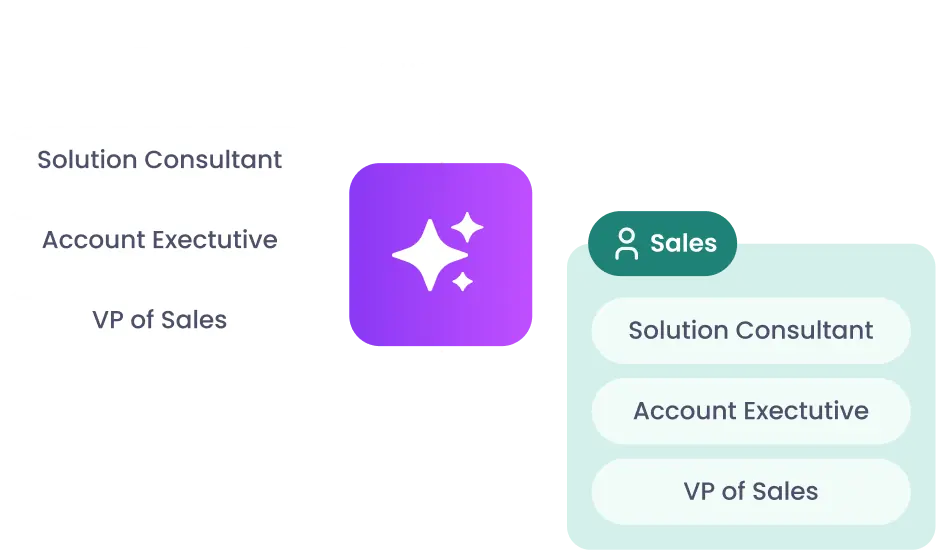
An easy prompt is to Normalize {Current:Lead.Title} into a functional role (Sales, Marketing, IT, Operations). Then assign the corresponding persona: Director? Manager? This is a huge time saver to our Demand team.
Ann-Marie Fleming, Product Marketing Manager, Traction Complete · Follow Ann-Marie on LinkedIn
Matching and segment rules can’t read free-text titles, locations, and industries. Map each one to a value your rules recognize.
- Map location text to the geography values your territory model uses
- Classify industries against your written taxonomy, with reason and source
- Segment accounts into your own categories, beyond North American Industry Classification System (NAICS) codes
- Normalize free text from Contact Us forms and Cases
- Map titles to persona and seniority, and flag the ones that need review
Week 2: Enrichment You Can Check
A blank field beats a confidently wrong one. Week 2 fills the gaps, and every value brings its receipts: a source and a confidence score. Your team reviews the low-confidence values before anything reaches a rep.
Enrich beyond firmographics
An AI layer resolves the cases rules cannot. We’ve added into our existing flows that will go and take that information and deduce if, for example, is this a ‘WAG’, the dog walker company that is advertising, or is this a person, a dog walker on ‘WAG’ that is advertising their services?
Chris Pickering, Sales Ops Manager, Snap Inc. · Follow Chris on LinkedIn
Use confidence scores with a threshold for human review, and save AI for the records your rules can’t classify.
- Fill missing fields from your calls, contracts, the web, and your providers
- Set a confidence threshold for each field
- Route anything below the threshold to a person
- Use AI for the edge cases your rules can’t solve
Enrich with sales intel
Don’t ask AI to summarize account news. Ask it three questions: is this relevant to us, what kind of signal is it, and what should the account team do next?
Kevin Flavin, VP of IT, Oxford Global Resources · Follow Kevin on LinkedIn
Track mergers and acquisitions (M&A), tech stack, funding stage, and regions, with a source cited for each field.
- Flag acquisitions, divestitures, and reorgs across your installed base
- Track what each prospect runs on and when it last changed
- Time outreach to recent funding rounds
- Spot expansion into new regions before territory planning
- Cite the source URL for every field, and leave it blank when there isn’t one
Trust your hierarchy data
Accurate parent links mean fewer territory conflicts and clearer enterprise reporting. One RevOps team ran AI enrichment across 1.1M accounts in two days to identify parent companies, cross-check Salesforce data, and confirm geo assignments. They also stamped a suggested parent URL on each account, so parents that weren’t in Salesforce yet could be reviewed and added.
- Map parents and subsidiaries, including ones your provider doesn’t track
- Link matched accounts into the existing tree
- Send low-confidence links to an approver as hierarchy suggestions
- Flag suggested parents that aren’t in Salesforce yet
Spend tokens on enrichment where they count
When the cost to run your process starts eating into revenue and profit, you have made a mistake. Use deterministic validation such as schemas, required fields, confidence thresholds, or allowed-value checks.
Chris Pickering, Sales Ops Manager, Snap Inc. · Follow Chris on LinkedIn
Rolling up data across large enterprise account families gets expensive when AI re-reads each child account for every report. Store the totals once and save AI for the judgment calls.
- Roll up hierarchy data to the parent so AI reads one total instead of the whole family
- Use AI when the task needs meaning, context, or judgment
- Route high-volume, low-risk work to the simplest method that works
- Escalate to a stronger model only when the first pass isn’t confident
- Validate outputs with schemas, required fields, and confidence thresholds
Week 3: Account Hierarchies
Your biggest customer probably has relatives you haven’t met: subsidiaries, regional offices, last year’s acquisitions. Parent-child links decide territories, roll-up reports, and where your whitespace sits. Week 3 builds the family tree in Salesforce and puts it to work.
Automate account hierarchies
Are we working with any of the companies that the Parent actually owns today? Are there inroads there for us to actually get up to that main parent company?
Andrew Cataldo, Director of Sales Development, Dotmatics · Follow Andrew on LinkedIn
Hierarchy data alone misses links between accounts (why more account hierarchy data won’t fix your hierarchy). Automate the relationships so they stay accurate as companies merge, acquire, and reorganize.
- Build hierarchies with custom views by region, product line, or partner model
- Link accounts to their global ultimate parent automatically
- Re-run matching when an account is created, merged, or acquired
- Send low-confidence links to an approver as hierarchy suggestions
- Flag suggested parents that aren’t in Salesforce yet
Give your account hierarchies a data model
You can’t grow a customer that you can’t see holistically. Having a complete view of the products, the ARR, and the opportunities across all accounts related to a customer turns scattered data into a real account strategy.
Rosalyn Santa Elena, VP, GTM Operations, SingleStore · Follow Rosalyn on LinkedIn
Store parent-level totals once so AI, reports, and dashboards all read the same number.
- Create one record per parent company that every related account links to
- Roll up annual recurring revenue (ARR), pipeline, and products sold across the full corporate hierarchy
- Cut AI token use by reading one stored total
- Keep totals current as the hierarchy changes
To see a hierarchy data model working in Salesforce, register for the live demo on why your account hierarchies need a data model (Thursday, November 19, 10am PT).
Understand your largest customers and whitespace opportunities
Duplicate opportunities happen when people don’t have visibility. Now our team is able to cross-sell and expand into different accounts or different schools more easily.
Alicia Andera, Director of Revenue Operations, Stukent · Follow Alicia on LinkedIn
Give yourself visibility into every related account in a customer’s family tree. Subsidiaries that aren’t linked to the parent stay out of its whitespace report, so link the tree before you rank expansion targets.
- List each subsidiary, regional office, and acquisition under a parent
- Flag related accounts with no activity in the last 90 days, or your own inactivity window
- Rank whitespace by how close it sits to a sibling account that already bought
- Send the shortlist to the parent account owner
Map the buyer committee
Today’s buying committee is complex. Relationship mapping enables our sales team to build a cohesive strategy, navigate across multiple stakeholders, and leverage the right buyer relationships.
Rosalyn Santa Elena, VP, GTM Operations, SingleStore · Follow Rosalyn on LinkedIn
Visualize buying groups, and track each contact’s role, activity, and advocacy level.
- Map the buying group on each deal: economic buyer, technical approver, champion, blockers
- Score each contact by meetings, call mentions, and email replies
- Flag deals with only one engaged contact
- Track job changes so your champion map stays current
Build account plans on data you trust
Pro tip: Use Claude to build a dashboard and account plan that a person on your team can work in. With access to your Salesforce data, it can draft the plan from the hierarchy, whitespace, and activity fields you cleaned this month, and the account owner edits from there.
Enterprise account plans come together faster when the hierarchy, activity, and whitespace data underneath them is current.
- Summarize each opportunity, case, and call across the account family
- Pull whitespace data and flag accounts and contacts to work
- Pull field notes and call transcripts into one view
- Suggest contacts to engage from across the hierarchy
Week 4: Orchestration
Routing problems tend to surface as a rep asking why they got this lead. Clean, enriched, linked records give routing and ownership rules something reliable to read. Week 4 covers who owns what, and how to fix it when a record lands in the wrong place.
Reassign accounts when territories change
We are matching on multiple records. When a property changes hands and we need to reassign it to a new person, we need to make sure that all related records are also updated.
Christina Tomaselli, Associate Director of Technical Operations and Enablement, Olive Tree Holdings · Follow Christina on LinkedIn
Move ownership in bulk, related records included. A territory handoff is finished when the account’s Contacts, Opportunities, and Cases have moved with it.
- Hand off accounts when people join, leave, or switch roles
- Carry the change to Contacts, Opportunities, and Cases
- Review the territory and related records before making the update
Decide when a lead is ready for a rep
We did not eliminate the lead object, but we eliminated reps from having to think about it.
Shamus Kelley, Director of Business Apps, Recorded Future · Follow Shamus on LinkedIn
Lead object or contact-only? Set the bar a record clears before a rep sees it.
- Set the minimum data a lead needs: email, phone, address
- Keep records in nurture when enrichment can’t fill those fields
- Pull intent, use case, urgency, and competitor mentions out of free text
- Score accounts for ideal customer profile (ICP) fit so reps work the right ones first
Fix misrouted leads without a ticket
I can look in the flow and see exactly where something went wrong, which actually helped me rely less on the team and helped me have a visual of what I needed to change.
Kelli Monk, Senior Marketing Specialist, Demand Generation, Salient Systems · Follow Kelli on LinkedIn
Troubleshoot faster by seeing every rule a lead hit. When a lead lands with the wrong rep, the visual log shows the branch it took and the rule that sent it there.
- Open the visual history log on the misrouted lead
- Find the rule that caught it, or the one that should have
- Update the rule in Complete Leads, no ticket required
- Re-run routing on the affected leads
Determine customer health from meetings booked
Meeting type is one of the clearest signals of customer momentum. A demo, onboarding call, implementation meeting, or support conversation tells you what stage someone is in and what your team should do next.
Nicole Looker, Director of Revenue Operations, Baxter Planning · Follow Nicole on LinkedIn
The meeting type tells you where a customer stands before a health score does.
- Map each meeting type to a lifecycle stage: demo, onboarding, implementation, support, expansion
- Capture each completed booking in Salesforce as part of the Lead, Booking, and Event flow
- Flag accounts stuck in one stage, like three troubleshooting calls in a month
- Use meeting type data to trigger follow-up when an expansion or pricing meeting is booked
- Review booking trends before key handoffs, renewals, or expansion conversations
Week 5: Build It with Claude
With the data layer clean enough to build on, two operators show what they built with Claude. Each one covers what they built, the data underneath it, and where a person still signs off.
Run your AI jobs through a six-step loop
Give AI jobs, not just questions. If a session didn’t leave behind an artifact, a decision, a next action, and a done condition, it was a chat, not work.
Chris Hudson, Head of Revenue Technology, Cresta · Follow Chris on LinkedIn
Chris Hudson isn’t an engineer, and this loop runs 18 scheduled jobs at Cresta.
- Write a context file with the people, acronyms, and projects your AI needs to know
- Plan first, then give AI one next step and a done condition
- Ask for a spec or runbook the next person can pick up
- Make AI critique and rate its own work before you accept it
- Write a handoff file before a long session degrades
- Keep a failure log and load it at the start of each session
Marketing dashboards your team will actually use
If a chart does not change a decision, it does not belong on the dashboard.
Darrell Alfonso, Marketing Operations Lead, Vertage Global · Follow Darrell on LinkedIn
Aim for a dashboard your team opens in every weekly meeting, with live numbers and only the charts that drive a decision.
- Connect Claude to your CRM, marketing automation platform, or data warehouse through Model Context Protocol (MCP), so the numbers refresh each time someone opens the dashboard
- Define each metric with an example, like pipeline by channel, cost per lead, and lead-to-opportunity conversion
- Ask for your company colors and a dashboard style your team already knows
- For large datasets, lock the layout with a mockup before you connect the real data
- Give each audience its own tab (exec summary, paid, lead gen, channel), with week, month, quarter, and custom date ranges
Follow These Leaders into 2027
Territory planning, a system migration, and a new agent rollout all start by reading the same Accounts, Contacts, and Leads. Bookmark this list and come back to the week that matches your next project. Next November, open it before territory planning starts.
Data Agents take on the repetitive work at scale, like normalizing titles and suggesting parent accounts, while your team sets the standards and approves anything below the confidence threshold.
Know someone doing good work with their data or AI? Tag them on our No Bad Data November posts on LinkedIn so we can feature them next.